Open a project and choose Settings. The sections:
| Section | What it holds |
|---|---|
| Details | The project name |
| Sampling | Keep % of non-failure occurrences |
| Endpoints | The ingest and MCP endpoints this project uses, and dedicated endpoints if your account has them |
| Data | How long occurrences are kept |
| Plan | Your account’s capabilities and seats |
| Members | Members and roles |
| Alerts | Alert rules |
| Danger | Delete the project |
Sampling
Keep % of non-failure occurrences, 1 to 100, default 100. Errors and fatals are always kept, and so is the first occurrence of a new bug. Read Sampling for exactly how events are chosen.
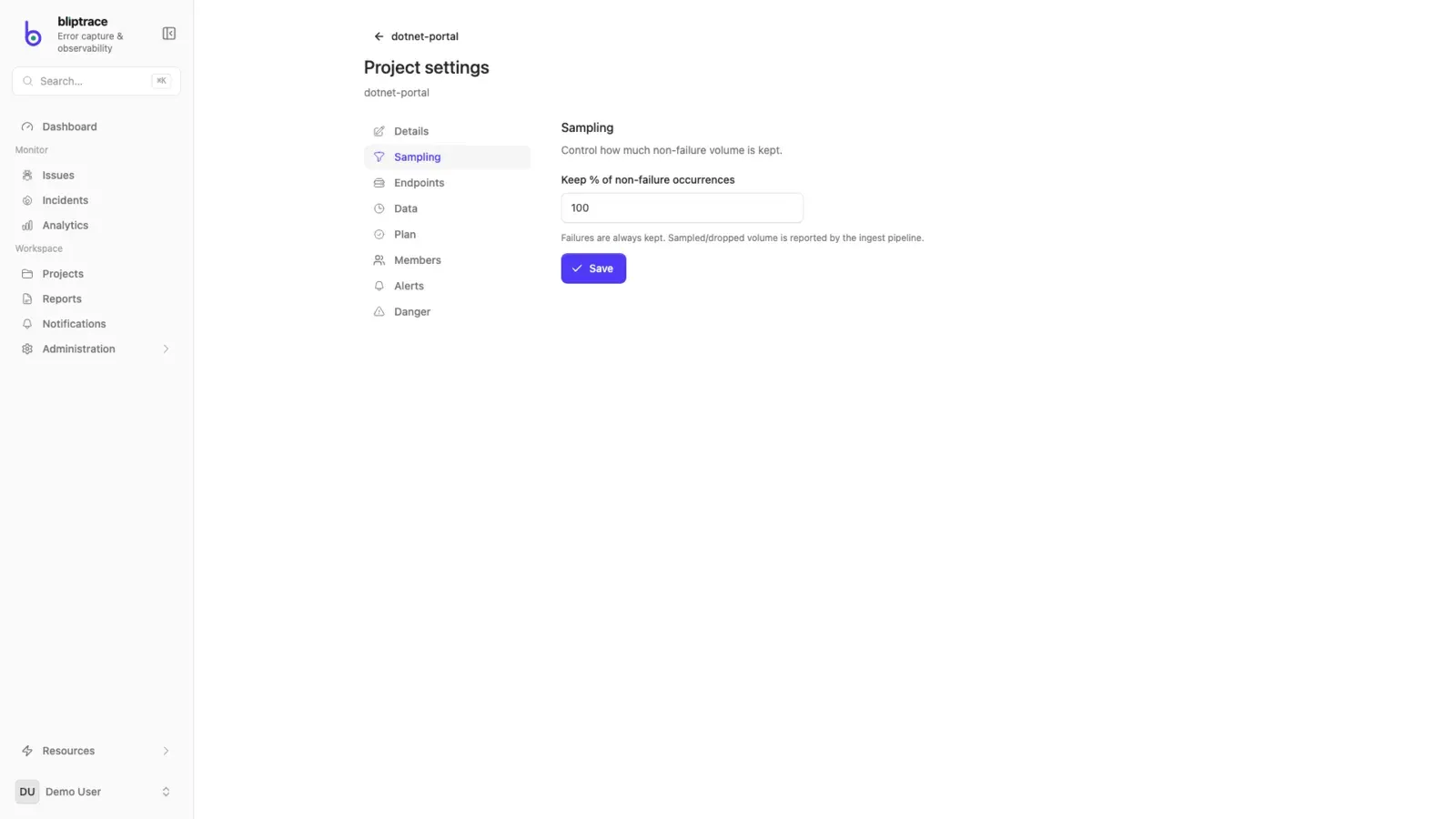
Reused screenshot with demo data.
Endpoints
Shows the API (ingest) and MCP endpoints for the project. Binding a project to dedicated endpoints needs an account entitlement for a custom API or MCP.
Data retention
Shows how many days occurrences are kept, set by your account’s entitlement. Older occurrences are removed automatically.
Danger zone
Delete project removes the project with its issues, ingest keys and occurrences. It cannot be undone, and you are asked to confirm. Deleting needs the owner.
Through the Integration API, DELETE /projects/{project} archives instead: every key is revoked at once and the data stays until retention removes it.