Issues lists every issue across the projects you can see, one row per bug. Each row shows the exception type, the project and message, the level, the status, the number of events and when it was last seen.
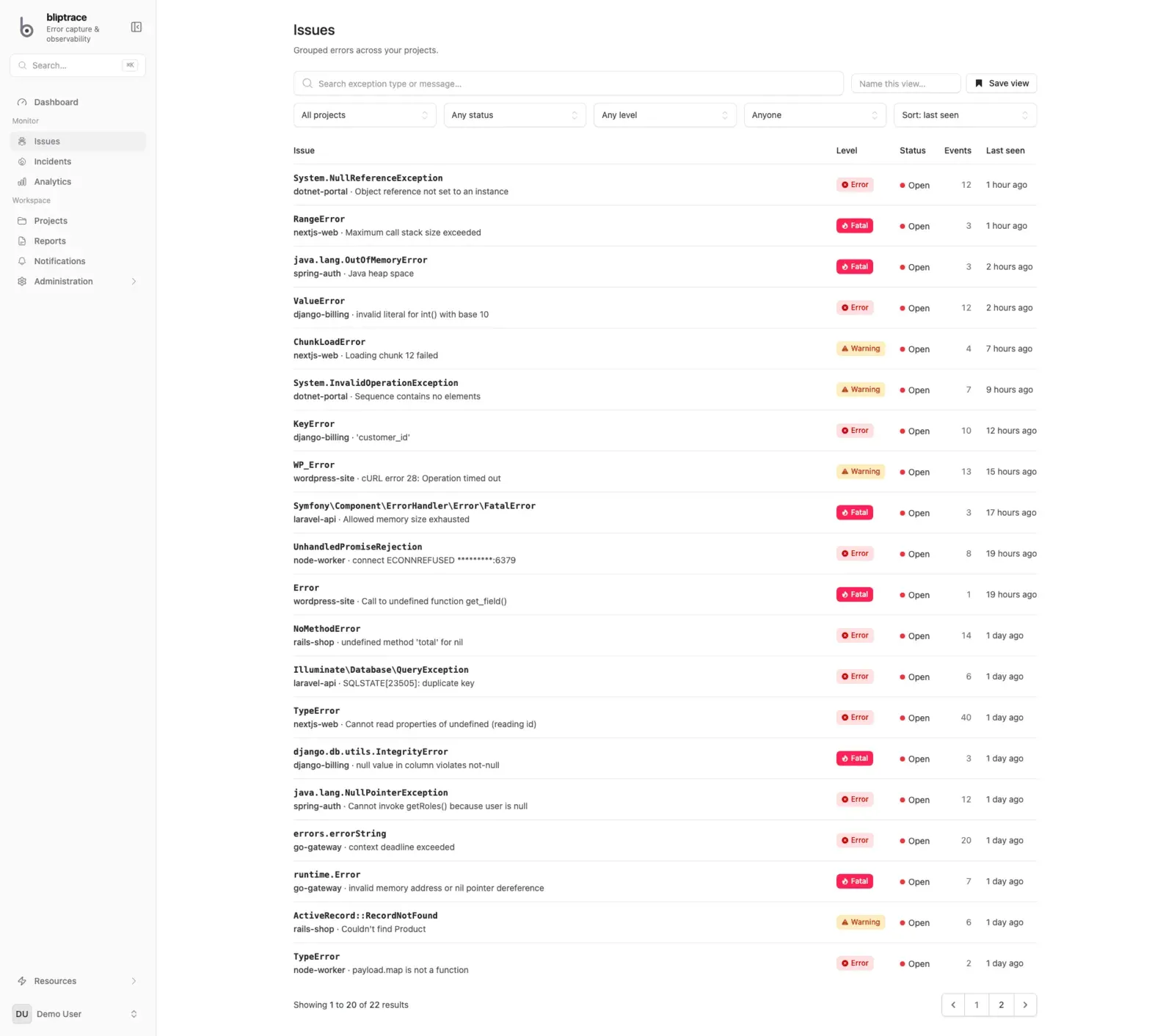
Reused screenshot with demo data from several projects.
Find what matters
| Control | What it does |
|---|---|
| Search | Matches the exception type or message |
| Project | One project, or all |
| Status | Open, resolved, muted or acknowledged |
| Level | Fatal, error, warning, info, debug |
| Assignee | Anyone, assigned to me, or unassigned |
| Sort | Last seen (default) or most events |
| Save view | Name the current filters and get them back in one click |
Open an issue to see its detail page.
Statuses
| Status | Meaning |
|---|---|
| Open | Needs attention. New issues and regressions start here |
| Acknowledged | Someone has seen it and is on it |
| Resolved | Fixed. If it happens again it reopens as a regression |
| Muted | Known noise. New events are still counted, but it stays muted |
Before the first event
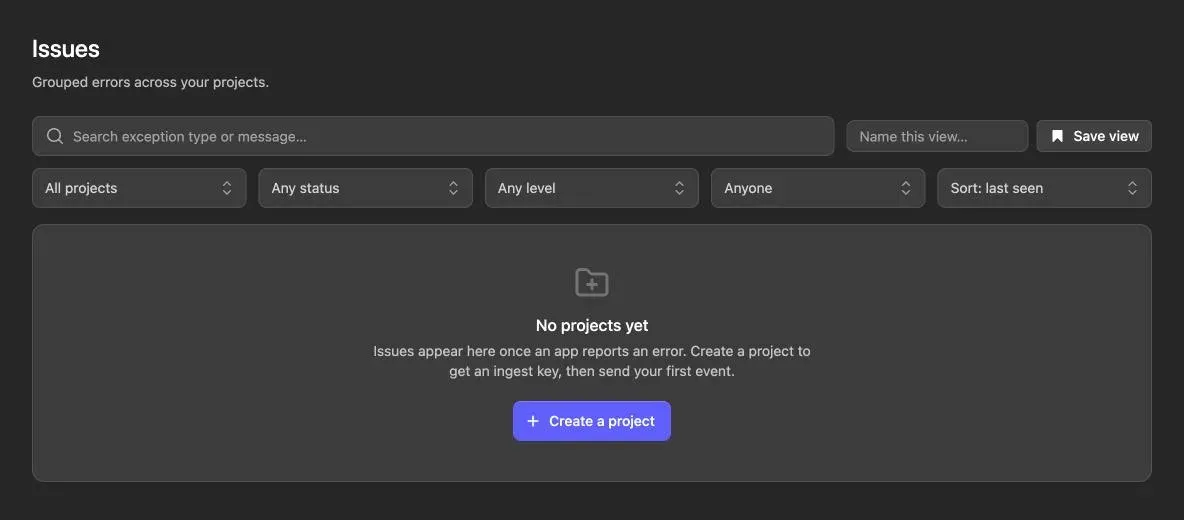
A new account shows an empty state with a shortcut to create a project.